Connect your world
Bring together Home Assistant, Proxmox, your NAS, media services, APIs, databases, scripts, and private machines.
Apps for your homelab
Connect the services, scripts, and machines you already run. Build a focused app for routine work, then ask it to handle everything else. Airlock keeps the code, data, and deployment on your server.
Your server. Your data. Your source code.
How it works
Go from scattered services and scripts to one useful application without assembling the application stack yourself.
Bring together Home Assistant, Proxmox, your NAS, media services, APIs, databases, scripts, and private machines.
Describe the operation you want. Airlock creates the dashboard, controls, data, automation, and access rules as a real app.
Use chat for questions, troubleshooting, and one-off actions that do not deserve a permanent screen or button.
Why Airlock
Your services already have APIs and your scripts already do useful work. Airlock turns the operations you care about into one focused app with a web UI for the common path and chat for everything messier.
Each app comes with auth, database, storage, credentials, LLM access, logs, API routes, schedules, its own subdomain, and deployment.
Start with a prompt, then keep the source. Make quick changes in Airlock or use Cursor, Claude Code, OpenCode, or your usual Git workflow.
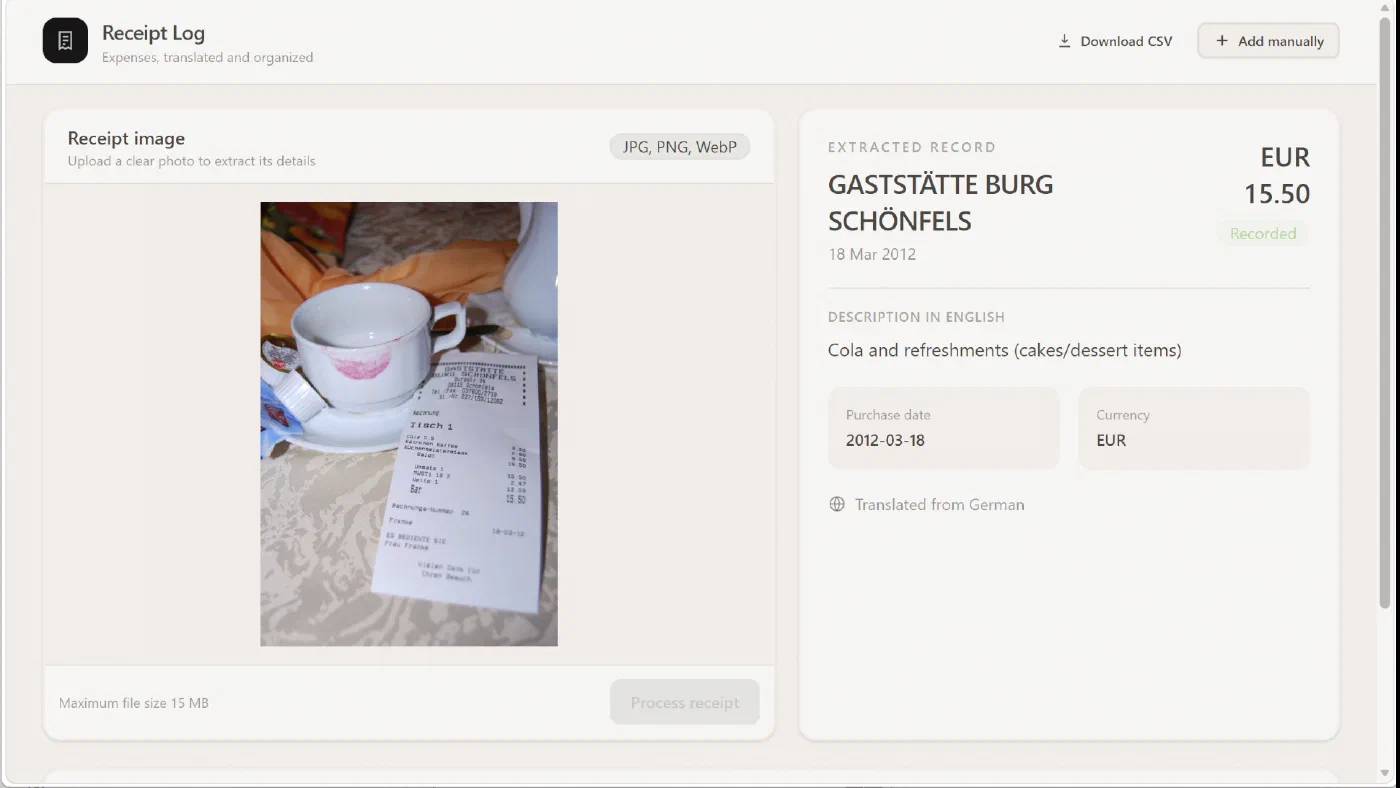
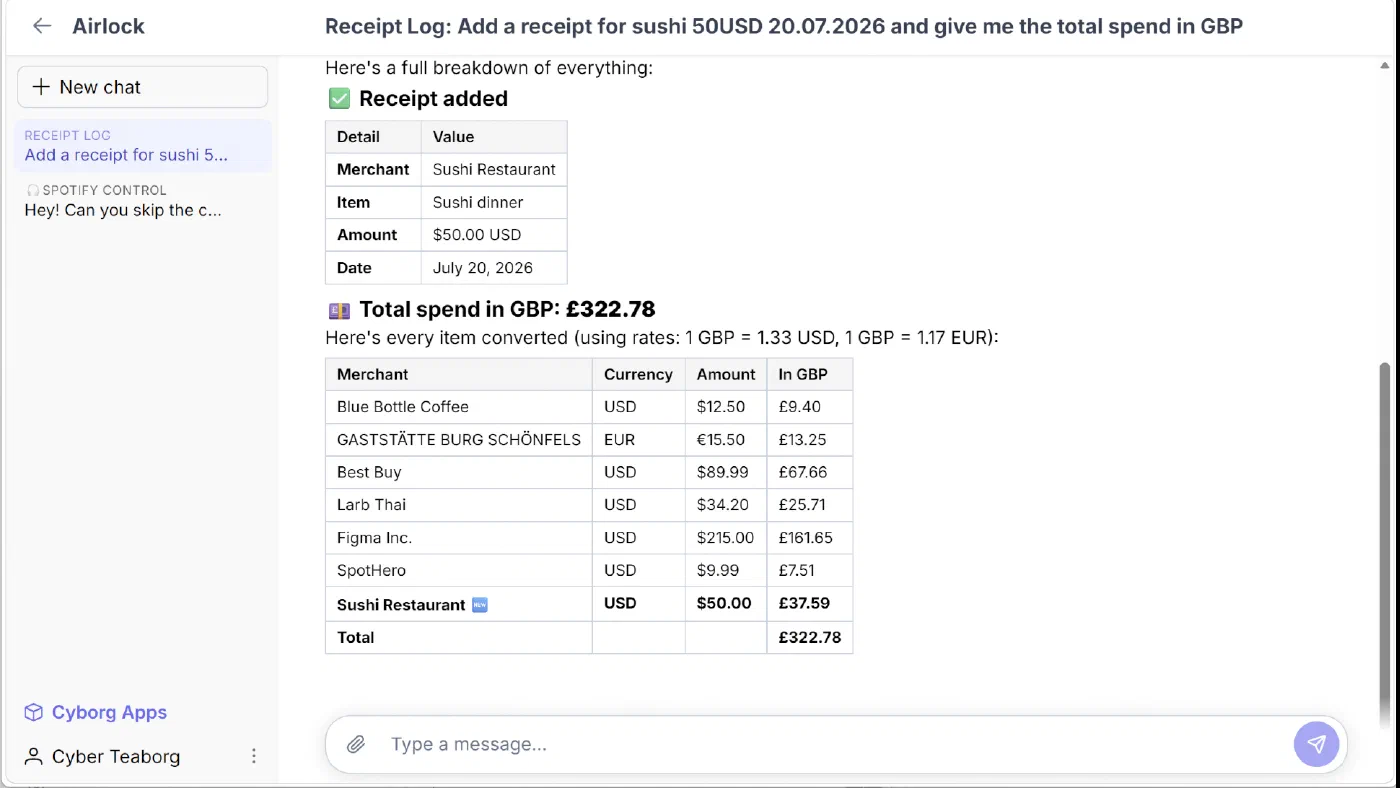
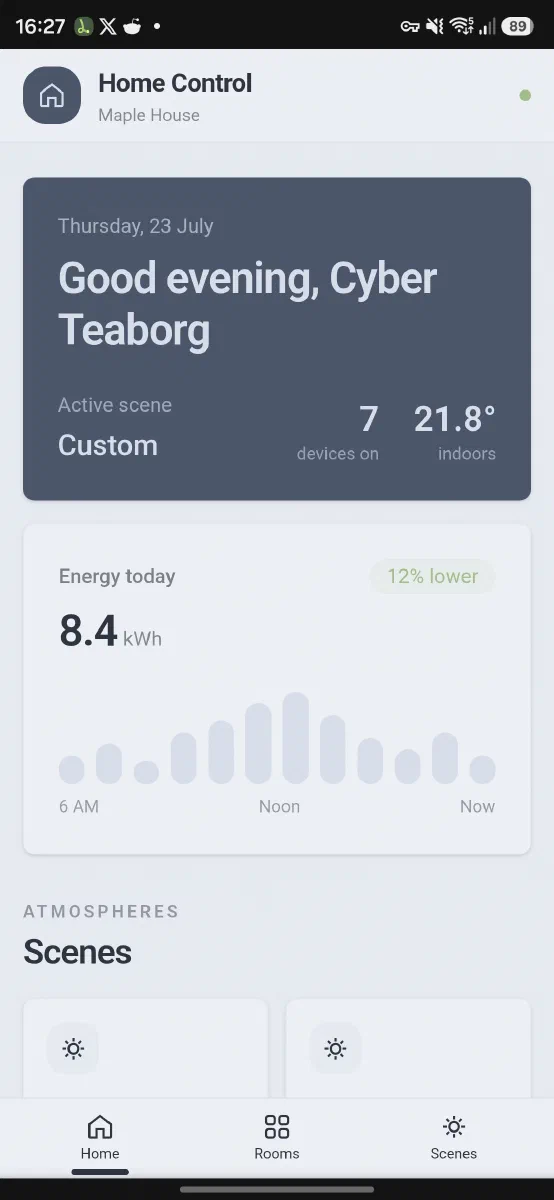
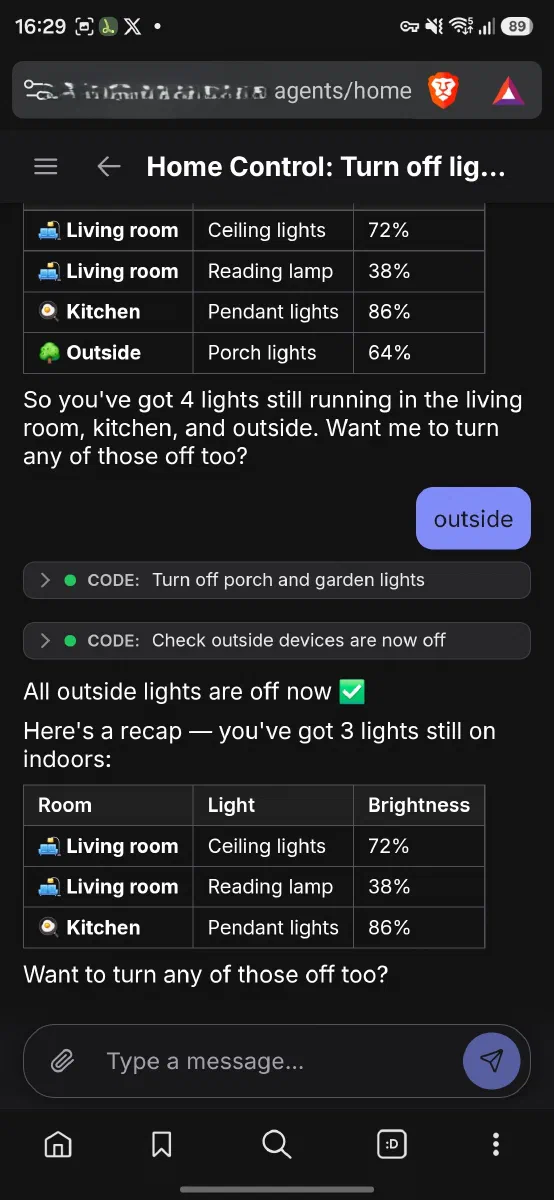
Homelab examples
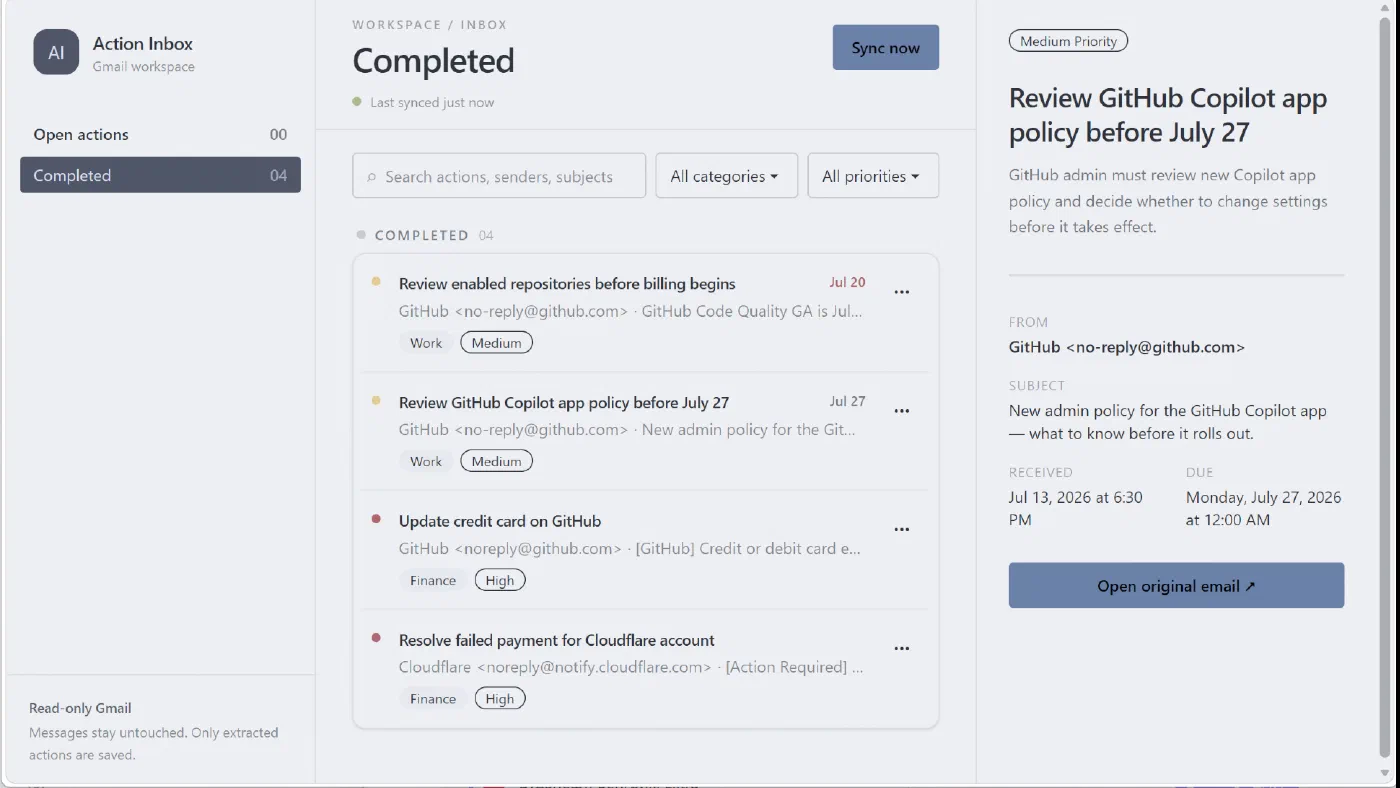
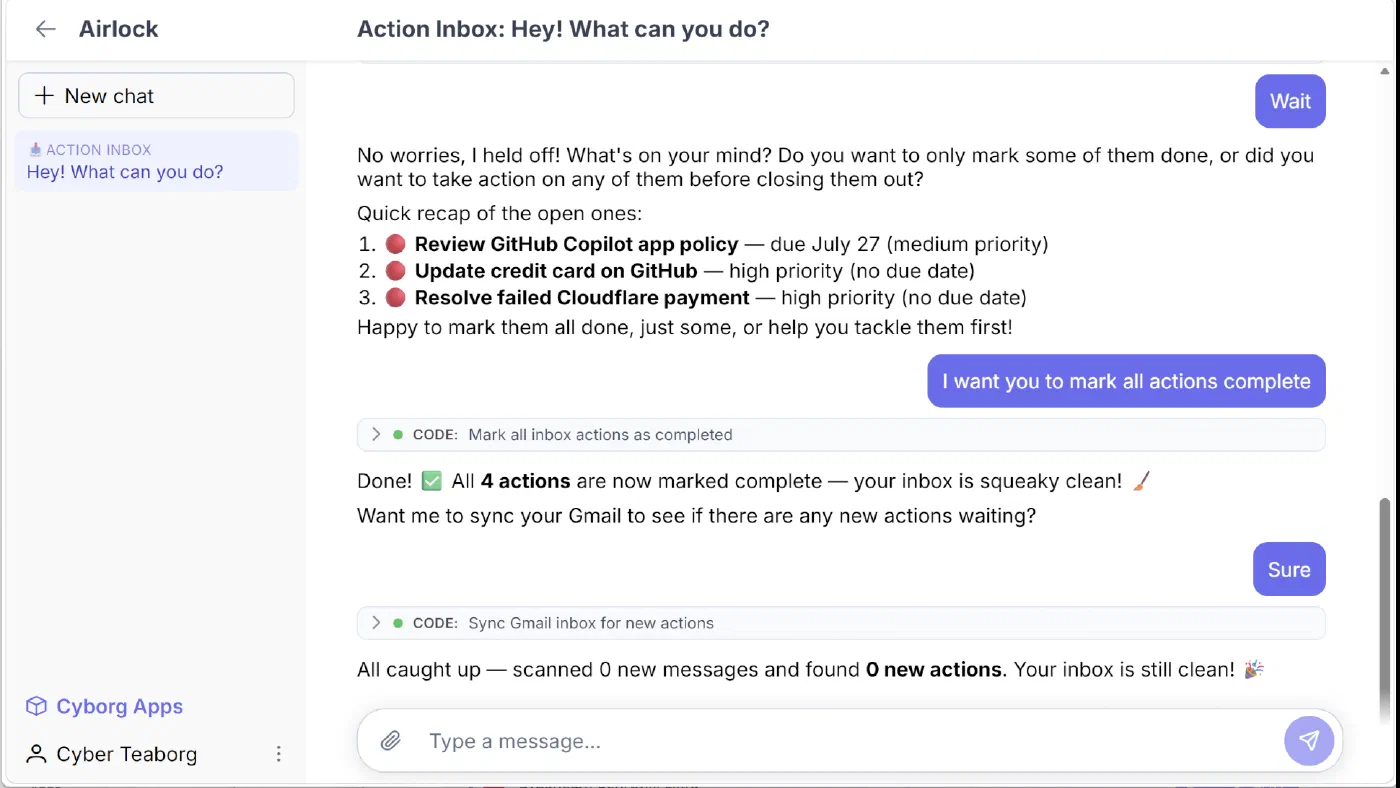
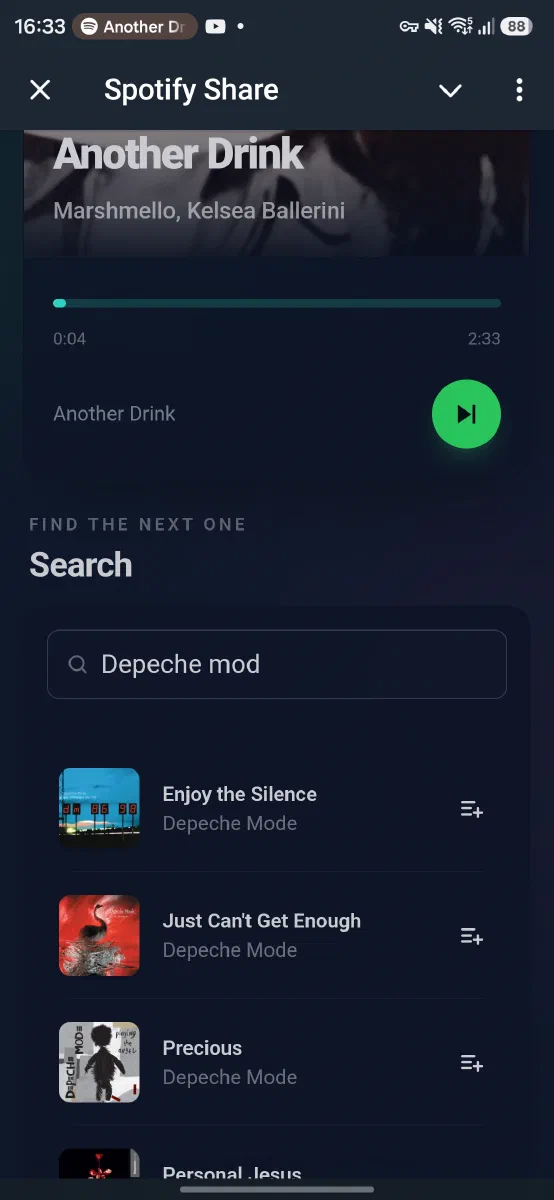
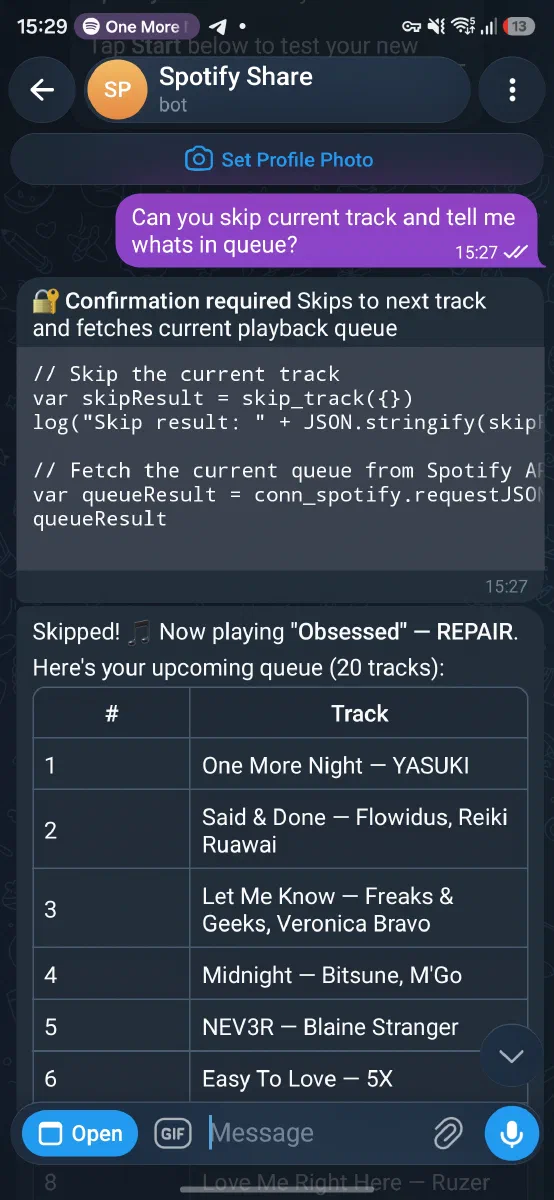
Give routine operations a focused interface and keep chat available for the cases you did not build a screen for.
Recommended setup
Install Airlock on a Linux VPS. The guided installer configures Docker, DNS, wildcard TLS, secrets, and bundled infrastructure.
Buy or transfer a domain to Cloudflare. Create an API token with Zone:DNS:Edit and Zone:Zone:Read for its zone.
Use Linux with at least 2 vCPUs, 4 GB RAM, 40 GB disk, and a user that can run sudo.
curl -fsSL https://raw.githubusercontent.com/airlockrun/airlock/v0.4.0/install.sh | bashProvide the domain and API token when prompted. The installer guides the remaining choices.